Mitsubishi Mini Split App Setup
(WiFi & Kumo Cloud Guide)
Mitsubishi mini splits are known globally for their mechanical reliability—but many homeowners struggle far more with the WiFi setup than the HVAC system itself.
As an HVAC engineer, I’ve seen installation jobs delayed and homeowners frustrated simply because the app wasn’t configured correctly to communicate with the home router.
Connecting your ductless system to your smartphone shouldn’t require an IT degree. In this comprehensive guide, I will demystify the Mitsubishi Kumo Cloud setup, show you exactly how to bypass the most common connection errors, and explain how to unlock the true energy-saving potential of your system.
What App Does a Mitsubishi Mini Split Use?
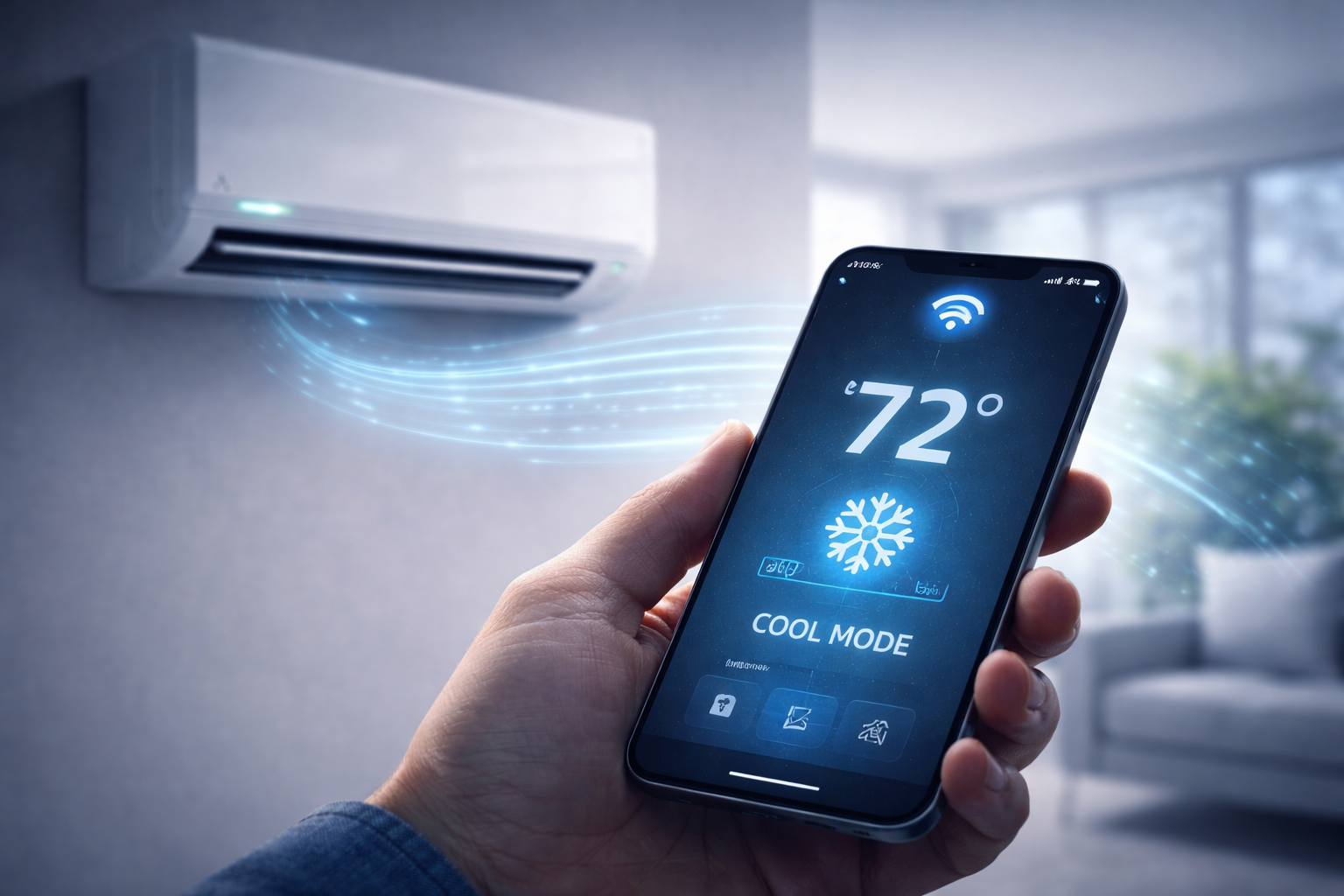
To control your Mitsubishi system from your phone, you must use the official Kumo Cloud App (available for free on both iOS and Android). However, there is a catch.
Built-in WiFi vs. External Adapters
Unlike some cheaper smart appliances, many premium Mitsubishi wall units do not have WiFi built directly into the circuit board straight out of the box. They require a wireless interface adapter.
- The Required Adapter: You will likely need the PAC-USWHS002-WF-2 or the newer MAC-568IF-E adapter.
- Installation: This small module plugs into the CN105 port on the indoor unit’s control board and typically rests hidden under the front panel.
How to Connect Mitsubishi Mini Split to WiFi (Step-by-Step)
Follow this engineering sequence exactly to avoid the dreaded “Connection Failed” screen.
Mitsubishi Mini Split WiFi Not Connecting (Common Fixes)
If the app refuses to connect, the issue is almost always network-related, not HVAC-related.
- Wrong Network Frequency: As stated, modern mesh routers (like Eero or Google Nest) combine 2.4GHz and 5GHz into one name. You may need to temporarily pause the 5GHz band in your router settings to force the adapter to connect.
- Weak Signal Near Indoor Unit: The indoor head is essentially a giant metal box that can block WiFi signals. If your router is on the other side of the house, you may need a WiFi extender.
- Router Firewall Blocking: Ensure your router is not blocking IoT (Internet of Things) devices from accessing the internet.
- Communication Errors: If the adapter’s light is off completely, the wire connecting it to the PC board is loose, which can trigger a system fault. See our Mitsubishi Error Codes List for diagnostic help.
What Can You Control from the Mitsubishi App?
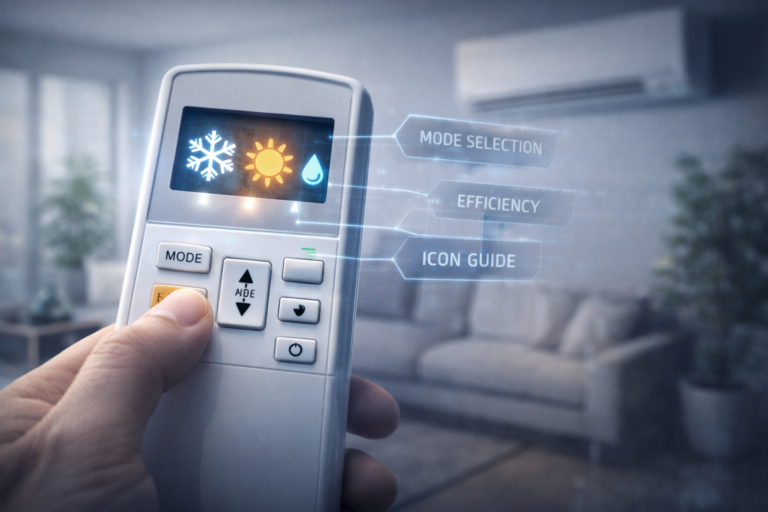
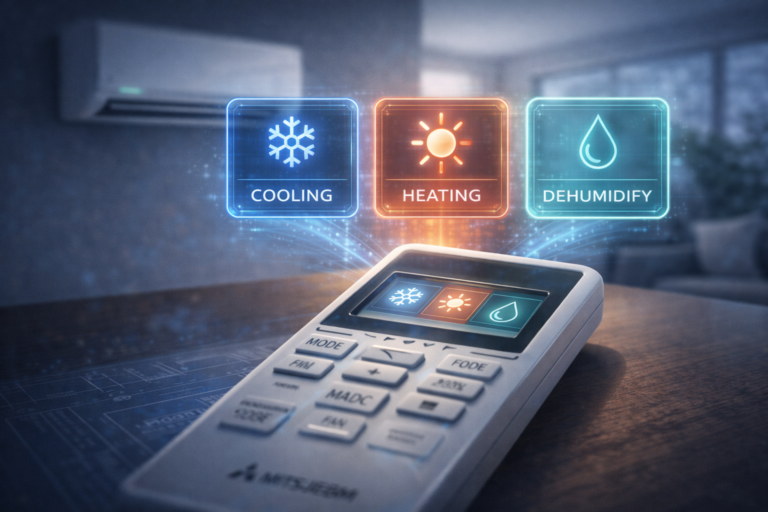
Once connected, your smartphone replaces your traditional remote entirely. You gain access to:
Not sure what all the modes do? Brush up on your system’s capabilities with our Mitsubishi Remote Symbols Explained guide to maximize efficiency.
Is the Mitsubishi App Worth It? (Engineering View)
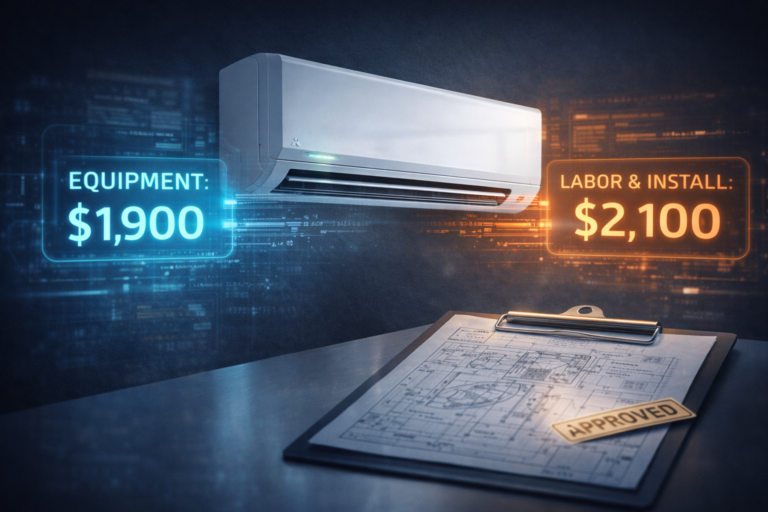
Adding a WiFi module typically adds $150 to $300 to your installation invoice. Is it worth the money?
The Pros
- Vacation Mode: Turn the heat down while you are away, and blast it an hour before you arrive home.
- Energy Tracking: Stop cooling empty rooms on a rigid schedule.
- Voice Control: Full integration with Amazon Alexa and Google Home.
The Cons
- Setup Complexity: The initial 2.4GHz network pairing can be frustrating.
- Added Cost: Paying extra for a dongle on an already premium system feels tedious. (Factor this into your Mitsubishi Installation Cost).
Case Study: Rental Property Remote Management
The Scenario: A landlord managing a 2-unit duplex lived 40 miles away. They installed Mitsubishi units but constantly worried about tenants leaving the AC running at 60°F with windows open, or turning the heat off completely during winter vacations.
The WiFi Solution:
We installed Kumo Cloud adapters in both units. During a severe January freeze, the landlord noticed via the app that Unit A had been turned completely off by a traveling tenant. The landlord remotely turned the heat to 55°F, preventing thousands of dollars in frozen, burst water pipes. The adapters paid for themselves in a single weekend.
Read more: Best Mini Split Guide for Rental Properties.
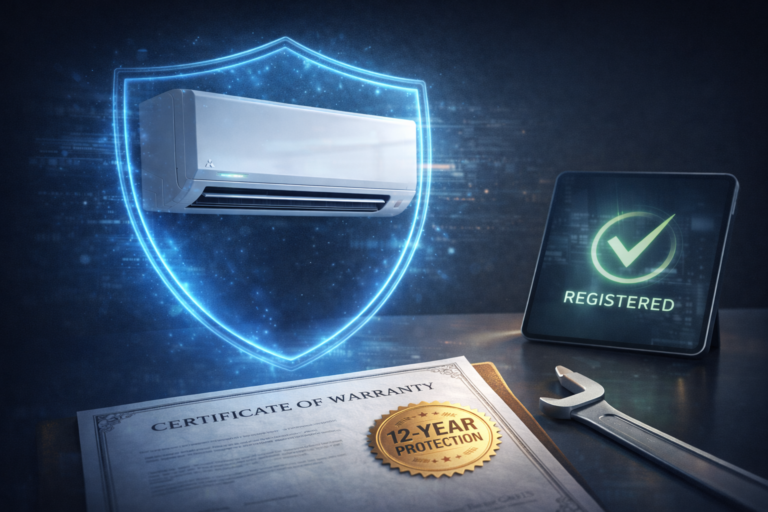
Does WiFi Setup Affect Your Warranty?
Yes, if you use unapproved hardware.
If you purchase the official Mitsubishi Kumo Cloud adapter, your system is perfectly safe. However, if you attempt to wire in cheap, third-party smart thermostats or unauthorized WiFi modules to the internal control board and cause a short circuit, your warranty claim will be instantly denied.
Understand your full coverage in our Mitsubishi Warranty Explained Guide.
Best Router Setup for a Mitsubishi Mini Split
To ensure your unit never drops offline, configure your router with these engineering best practices:
- Separate SSIDs: Create a dedicated, distinct name for your 2.4 GHz network (e.g., “HomeNetwork_2G”) so the unit never tries to jump to the unsupported 5 GHz band.
- Static IP: If you are tech-savvy, assign a Static IP address to the Mitsubishi adapter in your router settings. This prevents the app from losing connection when your router reboots.
Frequently Asked Questions
How do I connect a Mitsubishi mini split to WiFi?
First, ensure your indoor unit has the Kumo Cloud WiFi adapter installed. Download the Kumo Cloud app, ensure your phone is connected to a 2.4 GHz network, and follow the in-app prompts to pair the adapter to your router.
Does a Mitsubishi mini split have an app?
Yes, Mitsubishi uses the Kumo Cloud app for iOS and Android. However, you must have the physical wireless interface adapter (like the MAC-568IF-E) plugged into the indoor unit’s control board for the app to work.
Why won’t my Mitsubishi connect to WiFi?
The most common reason is attempting to connect to a 5 GHz network. The Mitsubishi adapter only supports 2.4 GHz networks. Other reasons include a weak WiFi signal near the indoor unit or a router firewall blocking the connection.
Is Kumo Cloud free?
Yes, downloading and using the Kumo Cloud app is completely free. However, you may have to pay upfront to purchase the physical WiFi adapter hardware if it was not included in your original installation quote.
Can I control my Mitsubishi mini split remotely?
Yes. Once the Kumo Cloud adapter is successfully connected to your home’s internet, you can control the temperature, mode, fan speed, and scheduling from anywhere in the world using your smartphone.